Block the people trying to steal your IP
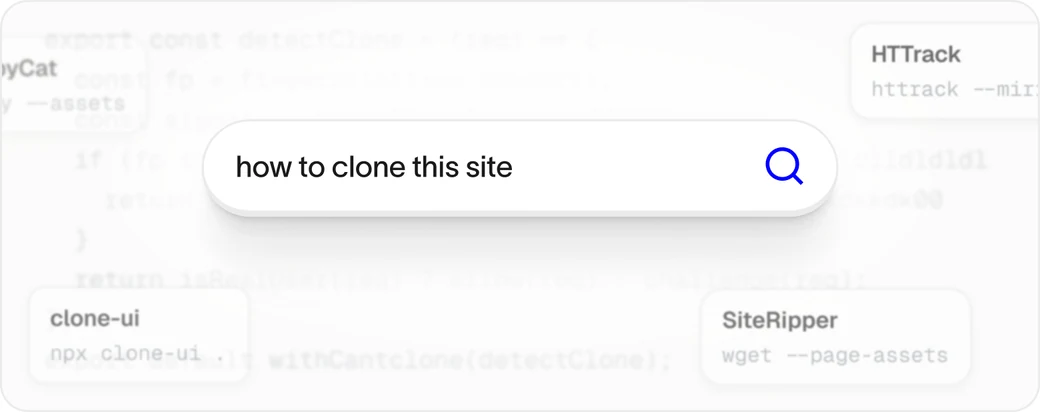
It's far too easy to copy a site. Cantclone reads the signals a capture tool leaves behind, and never touches real visitors or good bots.
 Early Access And 14-Day Money-Back Guarantee
Add Cantclone© to any website in 1 minute. Block people from stealing your website with html.to.design, the Figma capture extension and automated screenshots. Join the waitlist to get early access.
Get early access before the public launch. See how many people are cloning your site, and block them.
“Great idea! Needed this years ago.”
“Blocked 40 attempts to rip my store”
You've spent time and money building your pages. Hours on design, hours on copy. A competitor can lift the whole lot in two clicks, and with AI they can have it rebuilt in minutes. That is IP theft, and until now there was never a way to block it. Make it hard for competitors to copy your work. Stop the copying at the source.
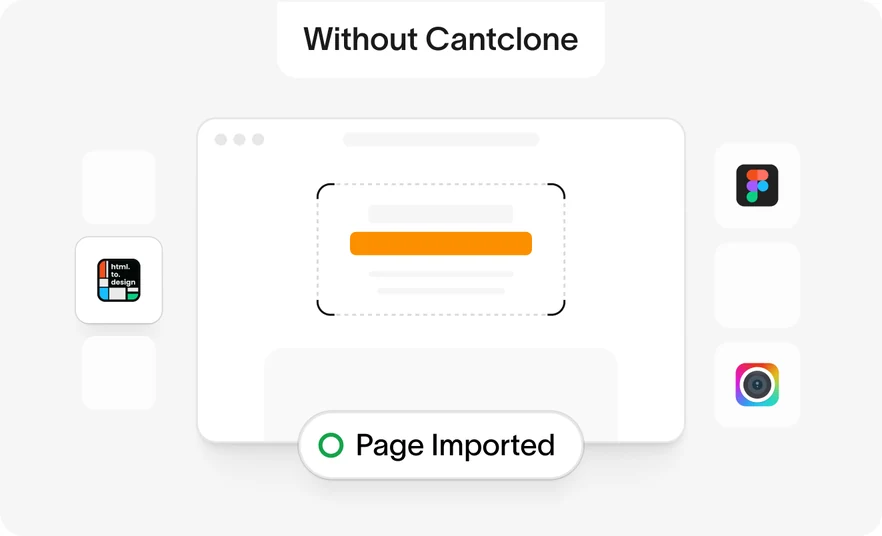
html.to.design pulls your live page into Figma as editable layers. Fonts, spacing, images, the lot.
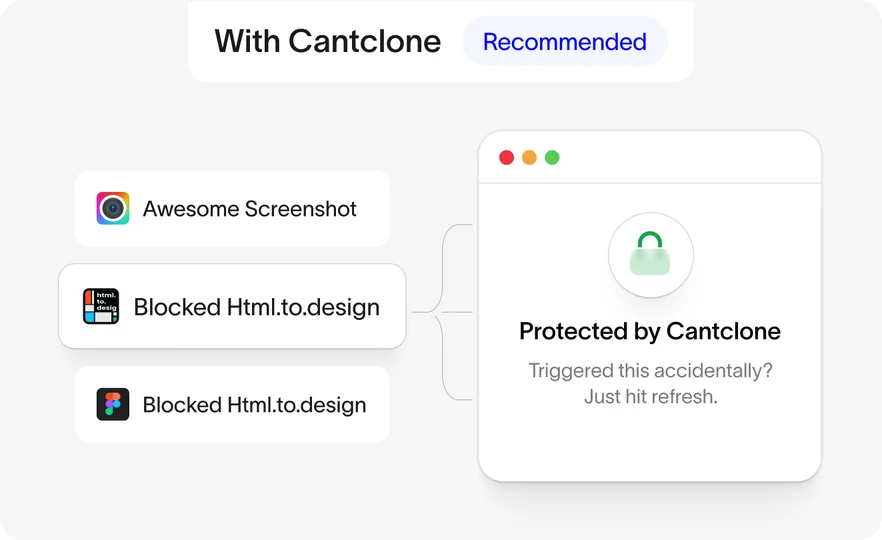
Cantclone spots the capture as it starts and hides your layers. They get a protected screen instead.
It's far too easy to copy a site. Cantclone reads the signals a capture tool leaves behind, and never touches real visitors or good bots.
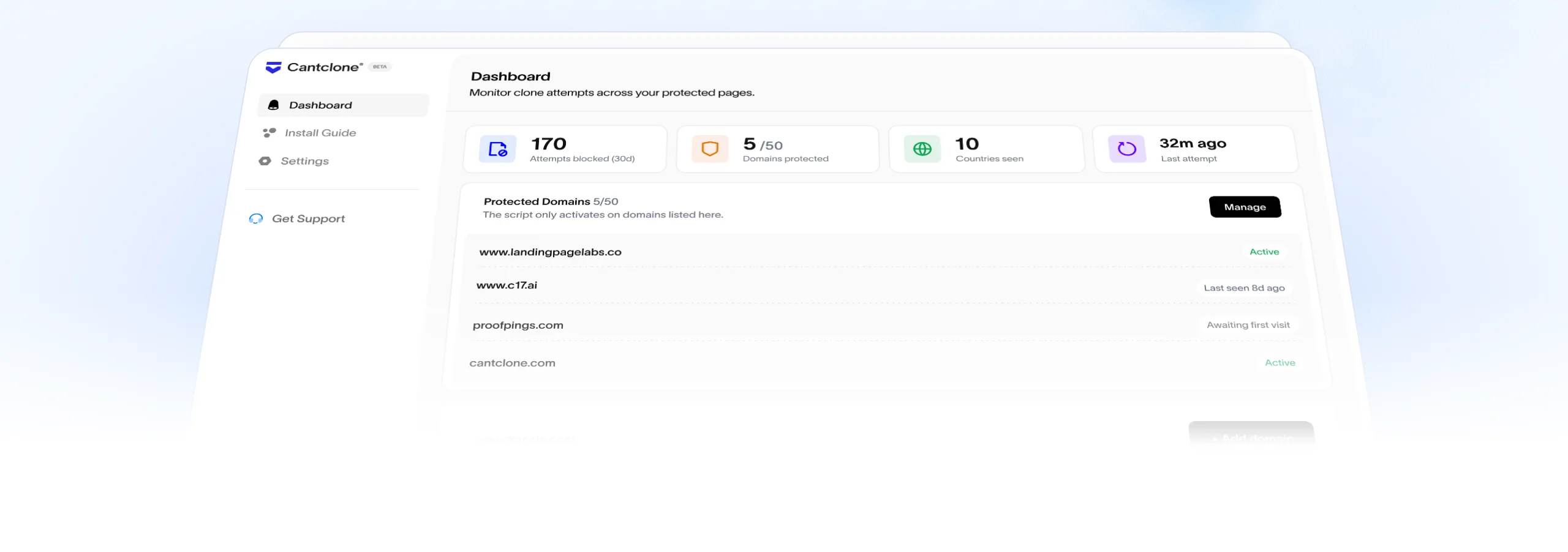
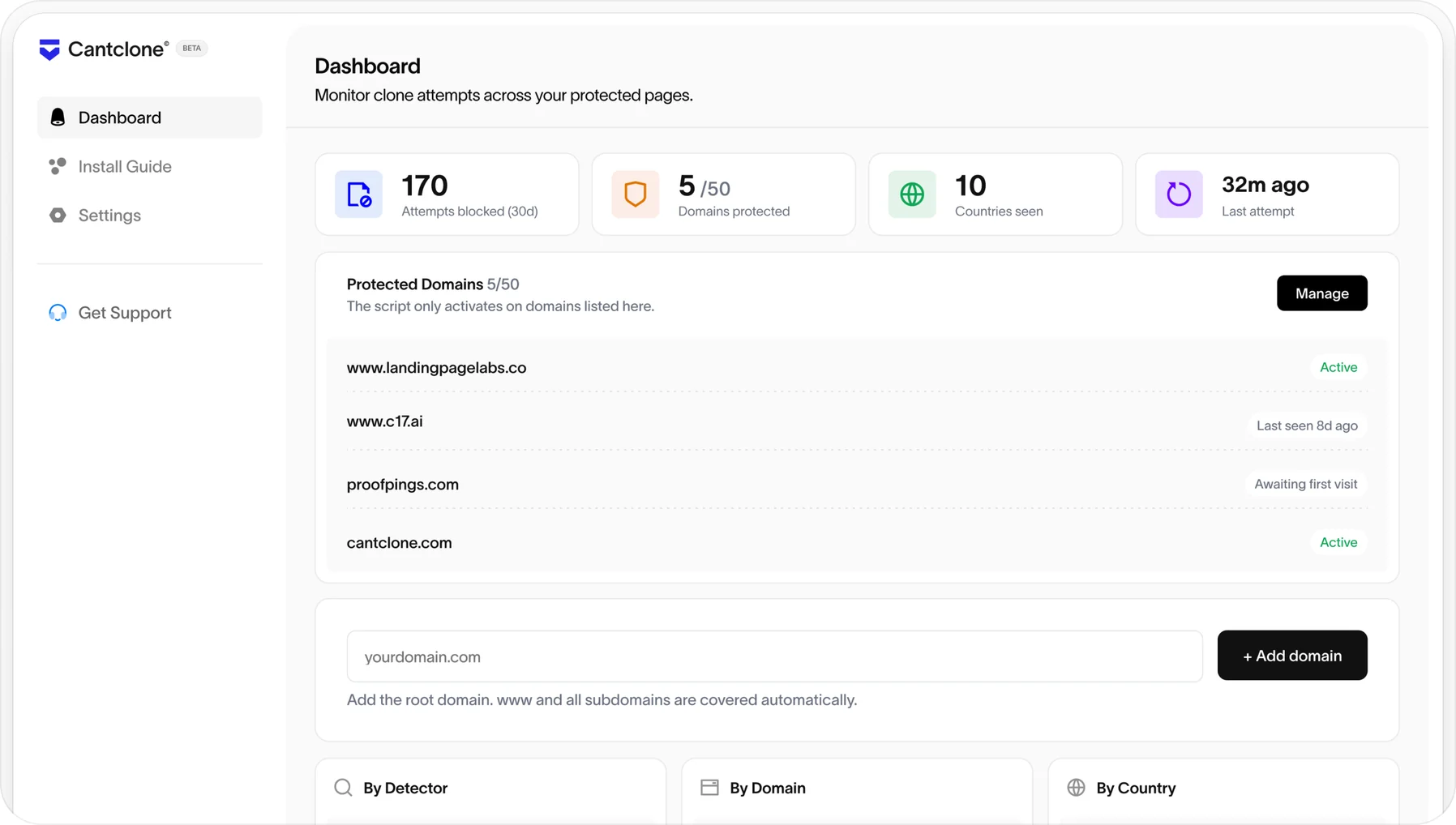
Every blocked attempt is logged with timestamp, country and the domain.
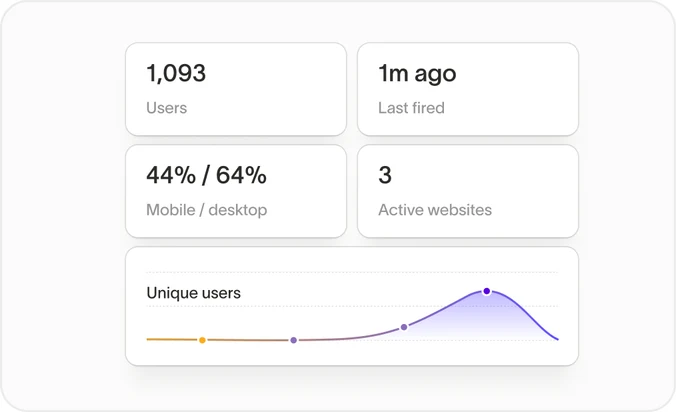
Protect every site you run from one dashboard, on one account.
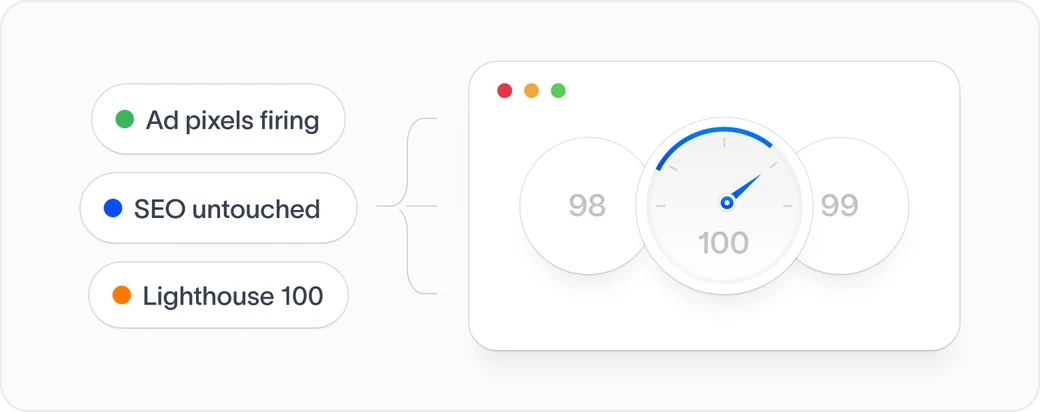
Tested extensively, safe for page performance, ad crawlers, the good bots and site speed.
Get early access before the public launch. See how many people are cloning your site, and block them.
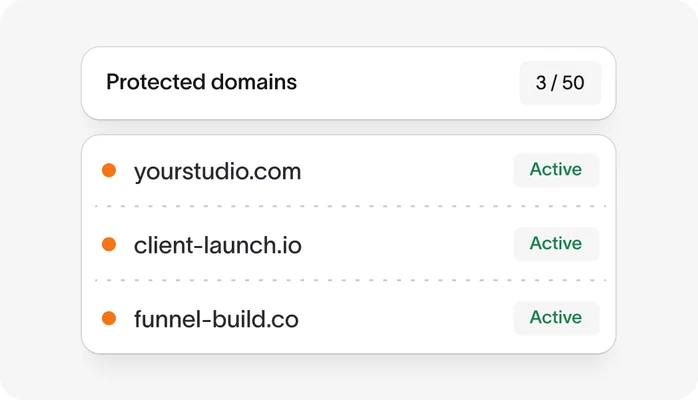
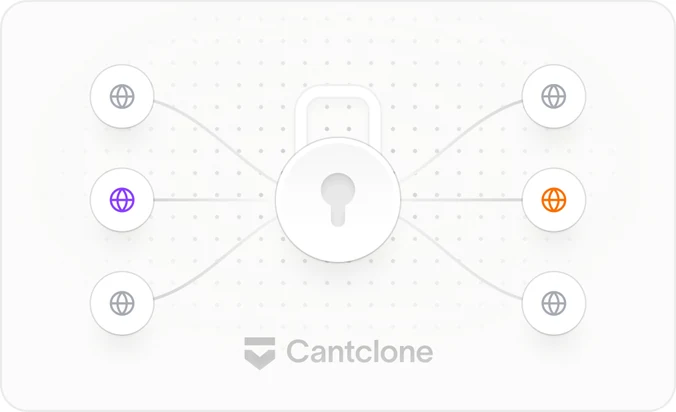
Add up to 50 domains in your dashboard. Every page of every one of them is covered.
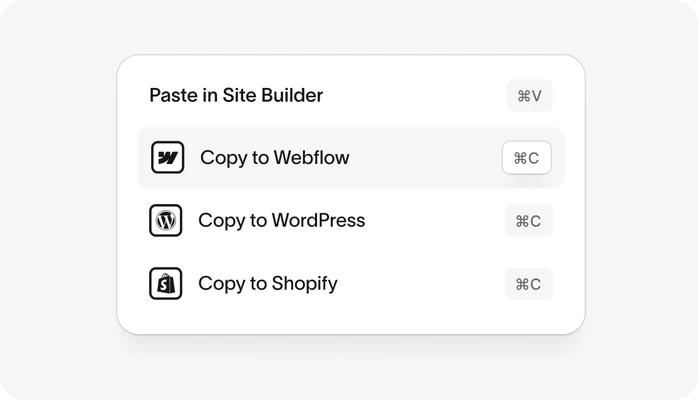
Copy your code from the dashboard and paste it into your site header.
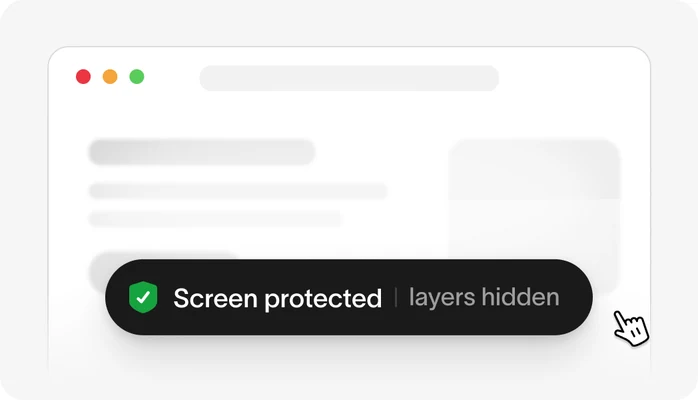
When a clone attempt is detected, a protected screen appears and the layers are hidden.
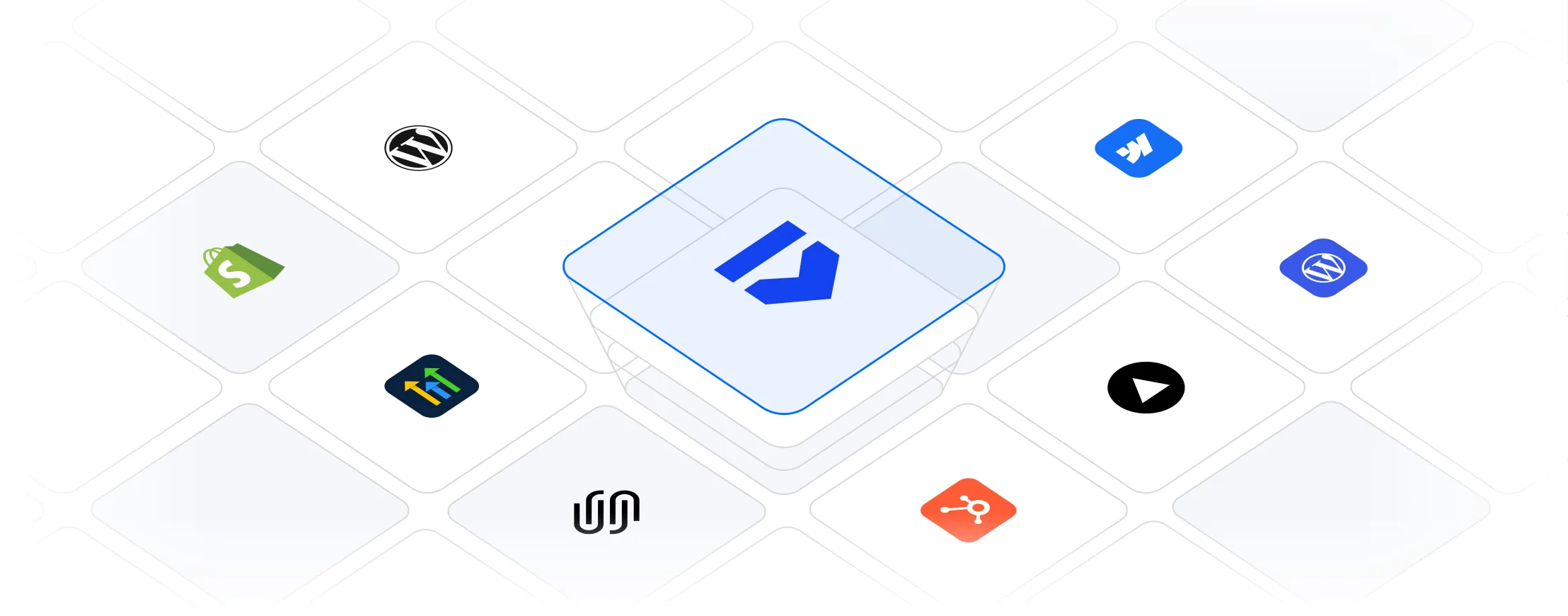
Cantclone© runs on Webflow, WordPress, Shopify, ClickFunnels, Wix, Squarespace, HubSpot, and any site that accepts custom code. Add the snippet once and it's live on every page. No developer needed and no coding knowledge required.
Get early access before the public launch. See how many people are cloning your site, and block them.
Cantclone© is the only tool we know of that actually blocks html.to.design, the Figma capture extension and full-page screenshot tools. So here's the deal: when your invite lands and you subscribe, you have a full 14 days to run it on your own sites. If it's not for you for any reason, email protect@cantclone.com and we'll refund you 100%. So you'll either stop people copying your work, or you'll get your money back. Pretty fair, right?
About two minutes. Add your domain in the dashboard, copy one line of code, and paste it into your site’s header. That’s it. Every page on that domain is covered, and www plus any subdomains are included automatically.
If your platform lets you paste custom code into the site header, Cantclone works. That covers Webflow, WordPress, Shopify, ClickFunnels, Wix, Squarespace, HubSpot, Framer and just about anything else. There is no plugin to install and you don’t need a developer.
No. The script is tiny, loads deferred and never blocks rendering. We ran the same page with it on and off and measured no Lighthouse difference, no extra long tasks and no change in requests. Googlebot, Bingbot and the AI crawlers get byte-identical HTML, and your Meta, Google and X pixels keep firing exactly as before.
When your invite arrives and you subscribe, you get a full 14 days to run Cantclone on your own sites. If it isn’t for you, for any reason at all, email protect@cantclone.com and we’ll refund you 100%. You don’t have to explain yourself.
Yes. The Figma plugin, the Chrome extension and the paste-a-URL import are all covered, along with full-page screenshot extensions and automated headless scrapers. When one of them starts a capture, your layers are hidden and a protected screen is shown instead.
Real visitors never trigger it. Cantclone waits until several independent signals agree that a capture tool is running before it does anything at all. In the rare case someone does see it by accident, a refresh puts the page straight back.
Nothing stops a person photographing their own screen, and we won’t pretend otherwise. What Cantclone stops is the easy path: importing your page into Figma almost pixel-perfect, or grabbing a full top-to-bottom capture in one click. Without those they would have to rebuild your page screenshot by screenshot, and at that point they may as well design their own.
We’re letting people in in batches so we can support everyone properly. When it’s your turn you’ll get an email with your login and your snippet, and you can protect your sites straight away. The 14-day money-back guarantee starts the day you subscribe.
Yes, and stores are among the most copied pages on the web. Cantclone protects product pages, collection pages and your whole storefront the same way it protects a landing page, and it never touches checkout, analytics or your conversion tracking.
Cantclone is built by the team at Landing Page Labs, a conversion agency that got tired of watching its own work get ripped off. Email protect@cantclone.com and you’ll get a reply from one of us, usually the same day.
It takes two minutes to install and it runs quietly from then on. Thanks to AI the copying is only getting faster and cheaper, so block it today. Make it damn hard to copy you.